
How Xero’s New Credit Note Design Saves You Time
At Zyla Accountants, we’re big believers in using technology to make your finance function as smooth as possible. As proud Certified Xero Partners, we love it when the platform evolves to make life easier for our clients.
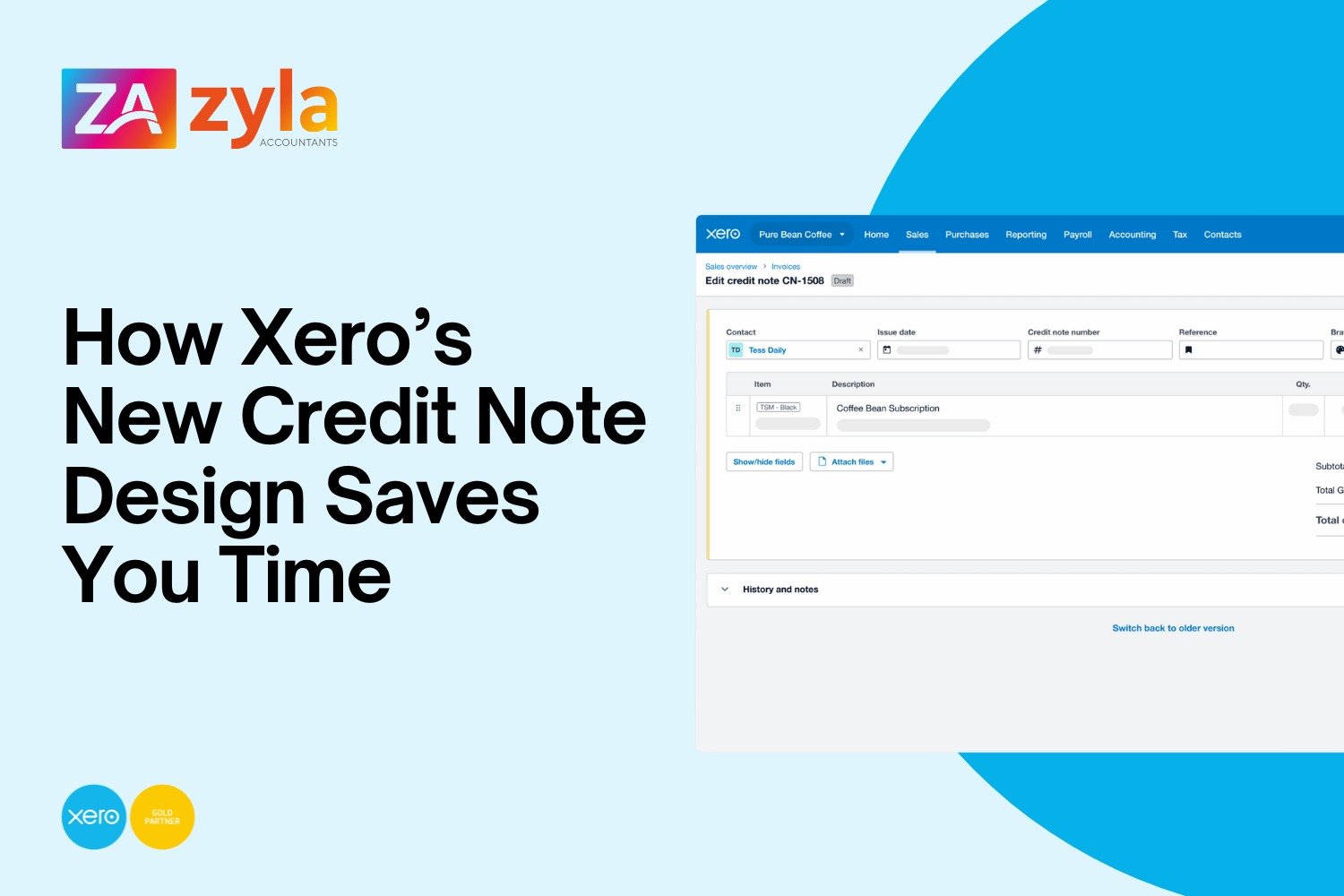
The latest update from Xero is all about bringing credit notes in line with the sleek, intuitive design you’re already used to for invoices and quotes.
By creating a consistent experience across the board, Xero is reducing the "learning curve" for new tasks, giving you more time to focus on growing your business.
Here is everything you need to know about the new look and what it means for your workflow.
Why the change?
Xero is rebuilding its core tools from the ground up to create a faster, smoother experience. The new version of credit notes isn't just a visual upgrade; it’s a more stable foundation that allows Xero to roll out the advanced tools you’ve been asking for much faster.
What’s different? (The "Need-to-Knows")
While the new layout is designed to mirror your invoicing screen—making navigation a breeze, there are a few functional shifts to keep in mind:
Manual Saving: Unlike the latest invoicing version, credit notes in this new layout are not automatically saved. Remember to click 'Save' to ensure your work is captured.
Locked Paid Credit Notes: To keep your audit trail secure and your books accurate, paid or allocated credit notes are now protected from changes. If you need to edit one, simply remove the payment or allocation first, make your update, and then re-apply it.
Refunds by Cheque: To add a cash refund by cheque, simply click the ‘Add cash refund’ button at the top of the note. You can then manage the cheque refund from the transaction document via the invoice list page.
Features we think you’ll love
The upgrade isn't just about moving buttons around. Xero has added several "quality of life" improvements:
Detailed History: You can now see more granular detail in the 'History' section, making it easier to track exactly what changes were made and by whom.
Improved Error Messages: No more guessing! If something is missing, the new error messages tell you exactly what’s needed so you can approve notes faster.
Keyboard Efficiency: For the power users among you, the tabbing and data entry experience is now much more efficient.
Take it at your own pace
We know that change can be disruptive when you’re busy. The good news is that you can explore the new version whenever you’re ready. If you’re in a rush and prefer the familiar "classic" view, you can switch back with a single click using the toggle button at the top of the page.
Xero will provide plenty of notice before the old version is retired permanently, so there is no rush to switch today.
What’s coming next?
This is just the beginning. Soon, Xero will be adding:
The ability to add multiple new rows at once.
A side-by-side email preview (so you can see exactly what your customer sees before you hit send).
Quick-add cash refunds directly from the credit note.
Need a hand navigating the new Xero updates? As your accounting mentors, the Zyla team is here to help you work smarter. If you have questions about where to find your favourite tools or want to ensure your team is getting the most out of Xero, get in touch.